To install redshift on Debian based distros
sudo apt install redshift redshift-gtk
If I run Redshift in Linux Mint (Cinnamon version) I get following error:
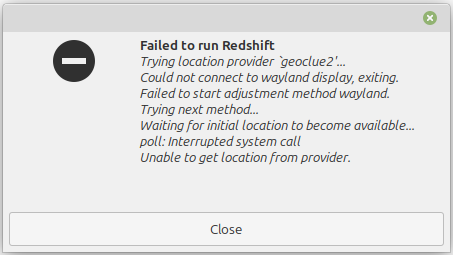
I get the same when running this in the terminal:
redshift -v
Trying location provider geoclue2'... Using providergeoclue2'.
Solar elevations: day above 3.0, night below -6.0
Temperatures: 6500K at day, 4500K at night
Brightness: 1.00:1.00
Gamma (Daytime): 1.000, 1.000, 1.000
Gamma (Night): 1.000, 1.000, 1.000
Could not connect to wayland display, exiting.
Failed to start adjustment method wayland.
Trying next method…
Using method `randr'.
Waiting for initial location to become available…
The solution is to create a file in ~/.config/redshift.conf with similar configuration
[redshift]
location-provider=manual
temp-day=6500
temp-night=4000
transition=1
adjustment-method=randr

[manual]
lat=32.65487455541997
lon=51.67784300003684
Adjust your latitude and longitude and you’re ready to roll.

Leave a Reply